
Prerequisites
1
Ubuntu
Ubuntu
v18.04 or above2
AWS Instances
For AWS EC2 instances, Amazon Linux, Ubuntu, or Debian is required. For AWS instances using Red Hat, please install the Docker Infra Agent
3
Operating System
MacOS Linux is not supported
Install
Step 1: Access Linux Installation
Log in to Middleware, navigate to the Installation Page in the bottom left corner and select Linux-Based from the Infrastructure section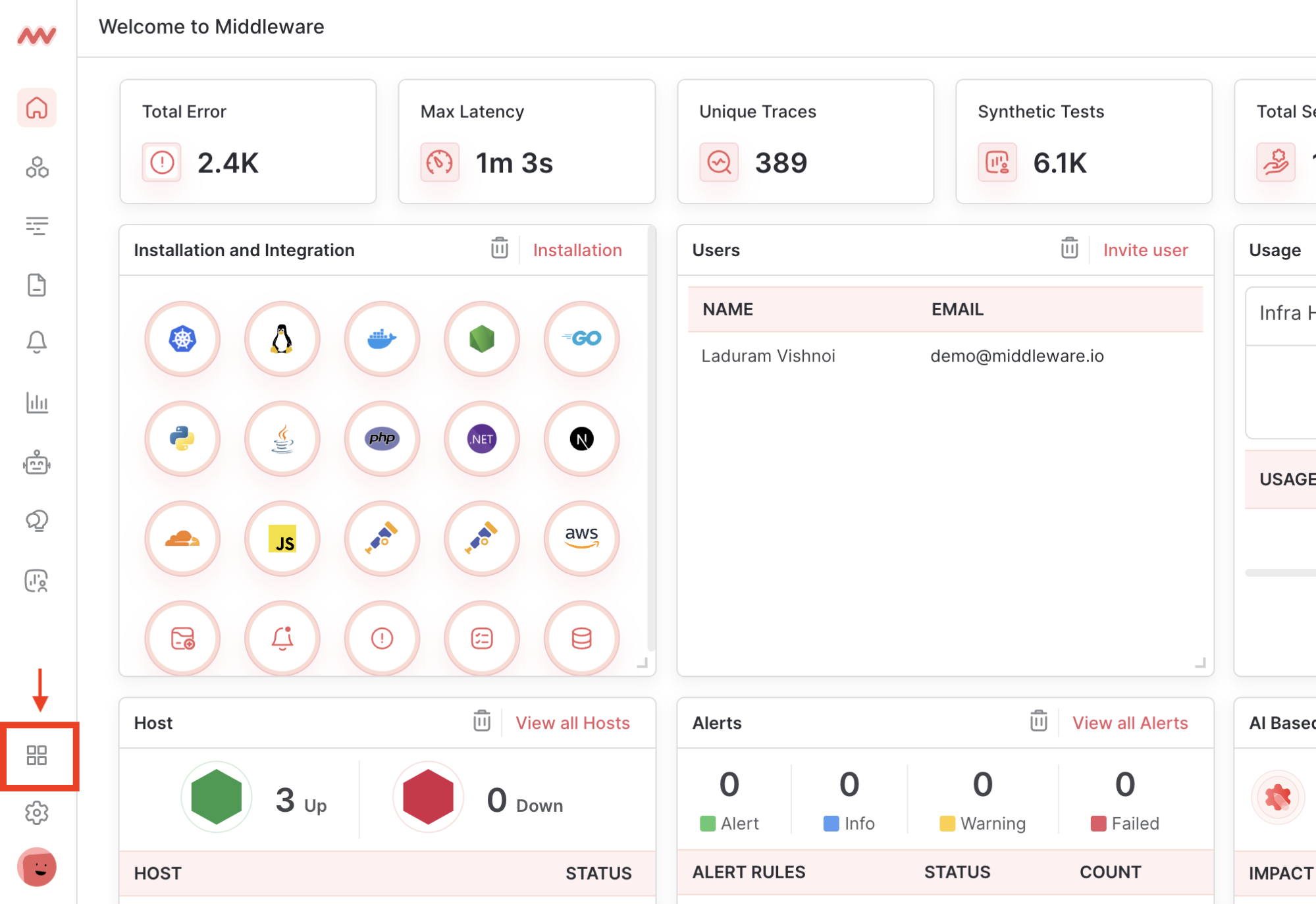
Step 2: Run Linux Install Command
Copy the appropriate installation command based on your machine’s operating system. Copying the command directly from the Installation page ensures your API key and UID are inserted accurately.- DEB
- RPM
DEB: Compatible with Debian or Debian-based operating systems. For AWS instances this includes Ubuntu and Debian.Shell
Step 3: Add Host Tags [Optional]
Create filterable custom tags by adding theMW_HOST_TAGS environment variable to the installation command as comma-separated key-value pairs. Use the tag name to create an alias for the host (e.g. production).
Check your host tags have been embedded by navigating to Infrastructure -> Your Desired Host -> System Information
Shell
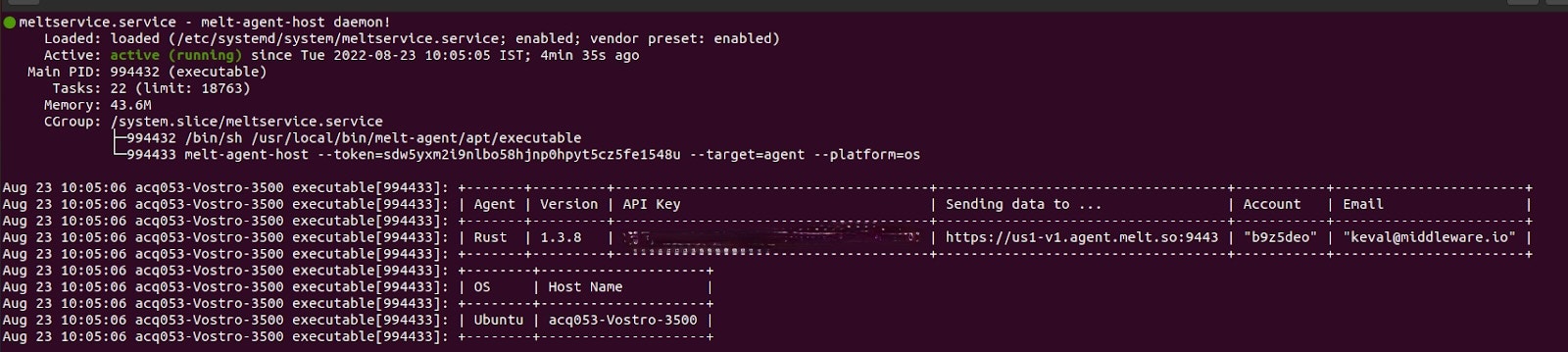
Step 4: Verify Installation
Run the following command to verify the status of the Infra Agent:Shell
Shell
Troubleshooting
Once the Infra Agent is installed metrics should begin appearing in the Middleware application within a few minutes. If metrics do not appear, confirm that the machine has access to the internet, either directly or through a proxy, and that only one Infra Agent is running per node.Uninstall
To uninstall the MW agent, use one of the following commands:- DEB
- RPM
Shell
Need assistance or want to learn more about Middleware? Contact us at support[at]middleware.io.